
Stock and suppliers
Stock is the number of filled and empty cylinders you have in your godown, by size. It goes down when you sell, up when you receive stock from a supplier, and the empties go up when customers return cylinders.
See your stock
Your godown figures, filled and empty by size, are on Home under Godown Stock. A warning appears when filled stock falls to the level you set in Settings.
Receive stock from a supplier
When your supplier delivers filled cylinders:
- Open Stock from the menu. The screen is called Stock received. Tap the + button.
- Choose the supplier, the date, the cylinder size and the quantity of filled cylinders.
- Enter the empty cylinders you gave back to the supplier.
- Enter the price per cylinder and what you paid now. The balance you still owe the supplier is worked out.
- Save.
Stock goes up, empties go down, and the amount you owe the supplier is updated.
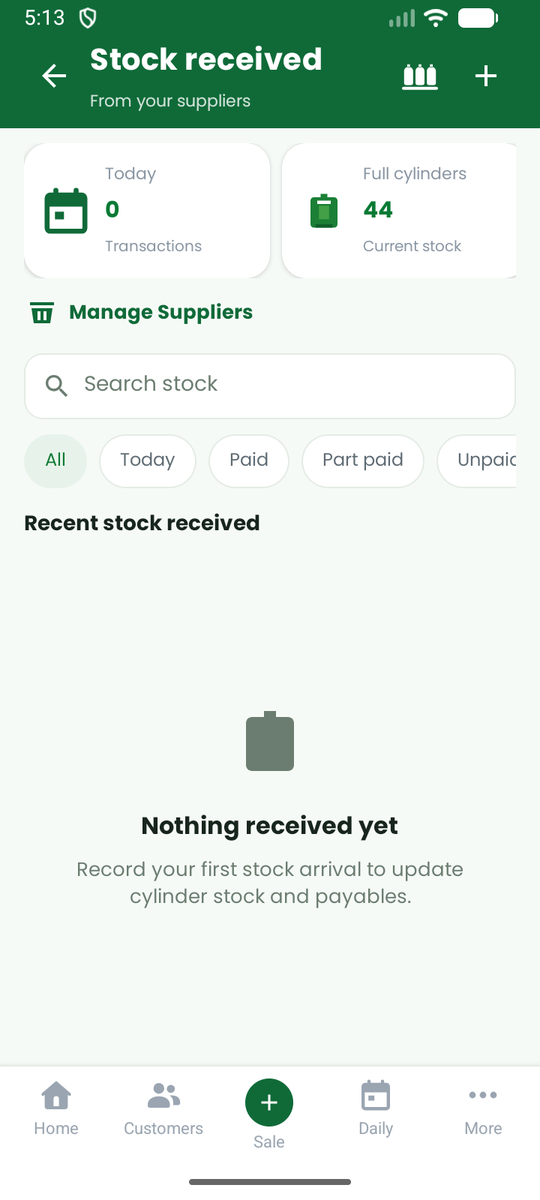
You can edit a received entry, or delete it. Deleting reverses the stock and the amount payable. It is blocked if the cylinders have already been sold.
Suppliers
Open Suppliers to add or edit suppliers: name, company, phone, area and payment terms.
- Amount you owe at start is what you already owed this supplier before you began using the app. It is kept separate and is never counted as a cost in your profit (see Reports).
- A supplier's page shows what you owe them, every delivery and every payment.
- Pay a supplier from the supplier's page to record money you paid. Paying clears a debt. It is not an expense.
Gas transfer (transfill)
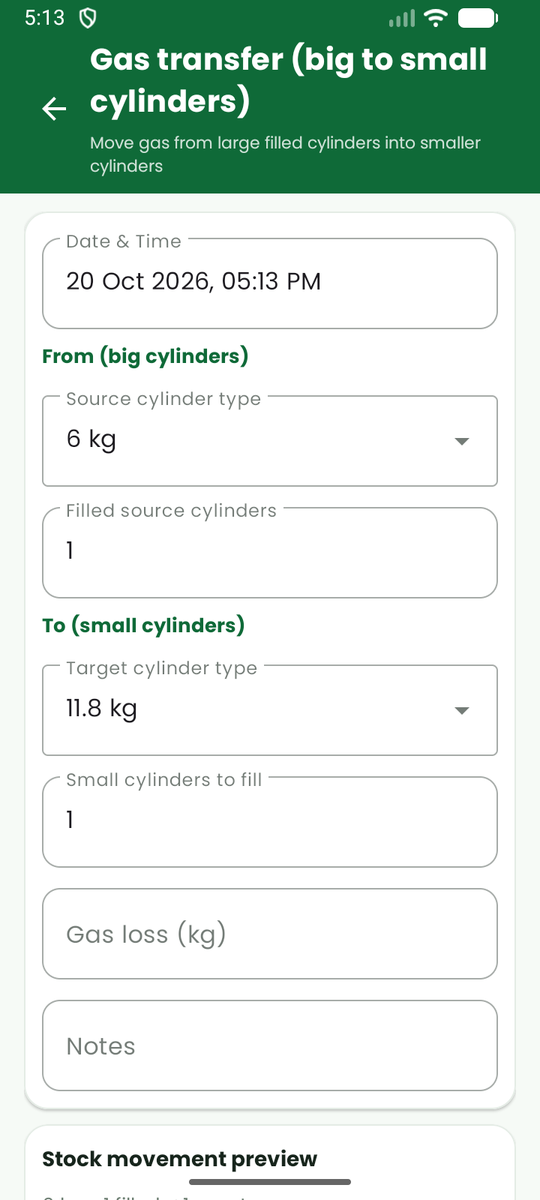
If you move gas from big filled cylinders into smaller ones, record it with Gas transfer: tap the cylinder icon at the top of the Stock received screen. Choose the source and target sizes and the quantities. The app updates both stocks and records any gas lost in the transfer.
Low-stock alerts
In Settings, Low Stock Alerts you can switch on low-stock alerts and choose the level. Home then warns you when filled stock is at or below it.
Cost price (for profit)
For gas you already had when you started, enter a cost price per kg in Settings, Cylinder Settings. For gas you receive in the app, the price you enter when receiving stock is used.